Follow Us:

CAM Plug-In for TurboCAD Platinum 64-bit

CAM Plug-In for TurboCAD Platinum 64-bit

R8,499.00

Toolpaths and G-code Straight from Platinum

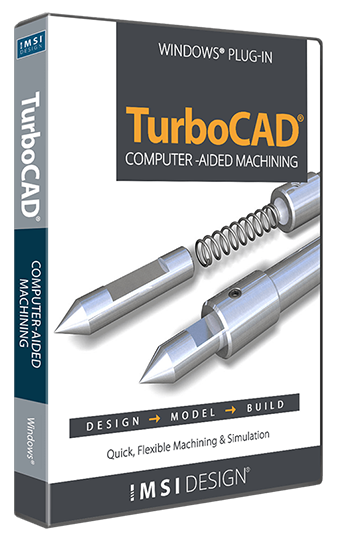
The CAM Plug-In for TurboCAD® Platinum is the machinist’s choice for 2.5D CAD. It generates native G-code for your machining equipment, with no post-processor needed, and includes a built-in communication module so you can set up your CNC controller with ease.

For TurboCAD® 2026 Platinum 64-bit only.

Description

CAM Plug-In for TurboCAD Platinum 64-bit

Generate toolpaths and G-code directly from your TurboCAD® Platinum solids. The plug-in creates native G-code for your machine without a post-processor, and its built-in communication module makes connecting to your CNC controller simple.

In TurboCAD 2026

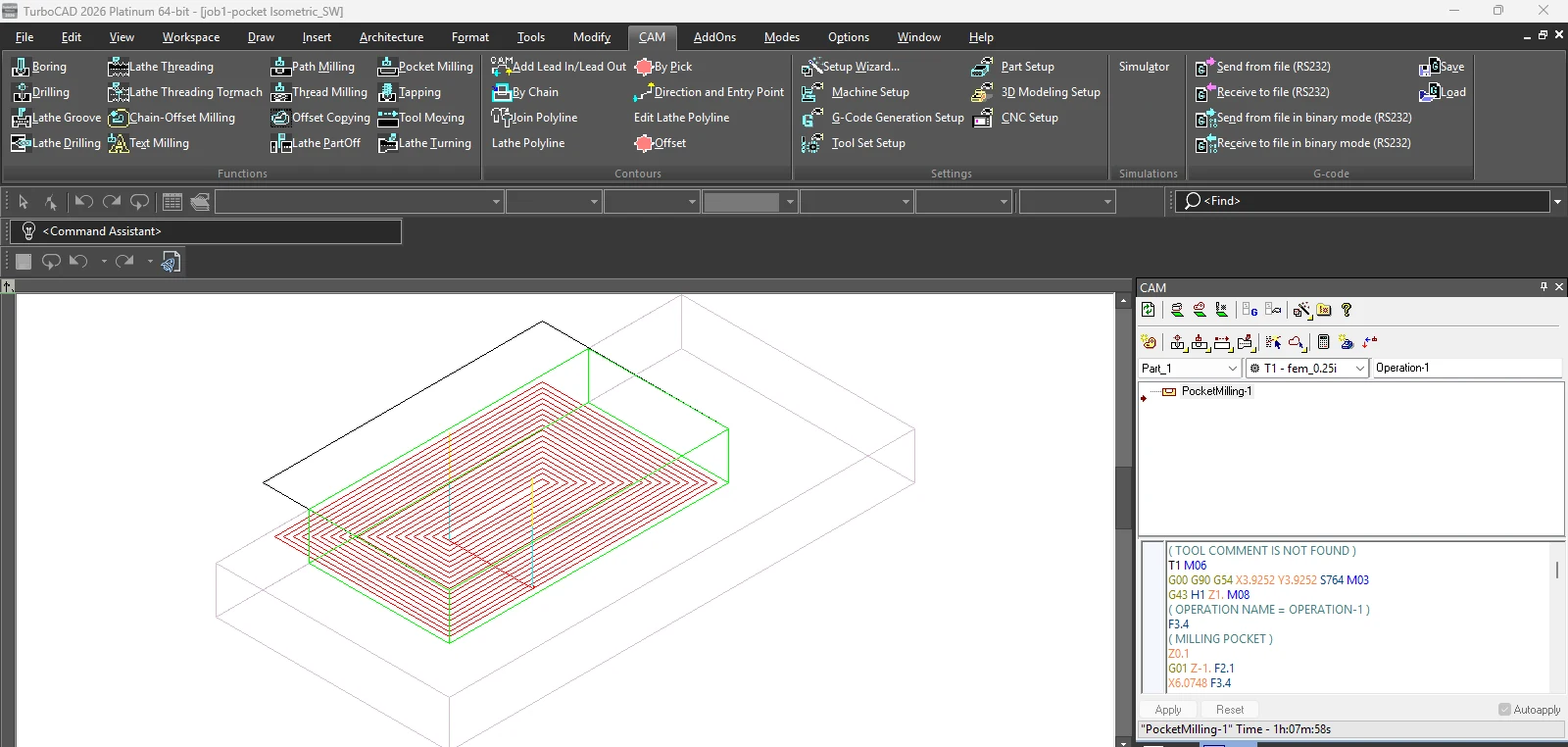
  • Pocket milling: toolpath and G-code in the CAM palette
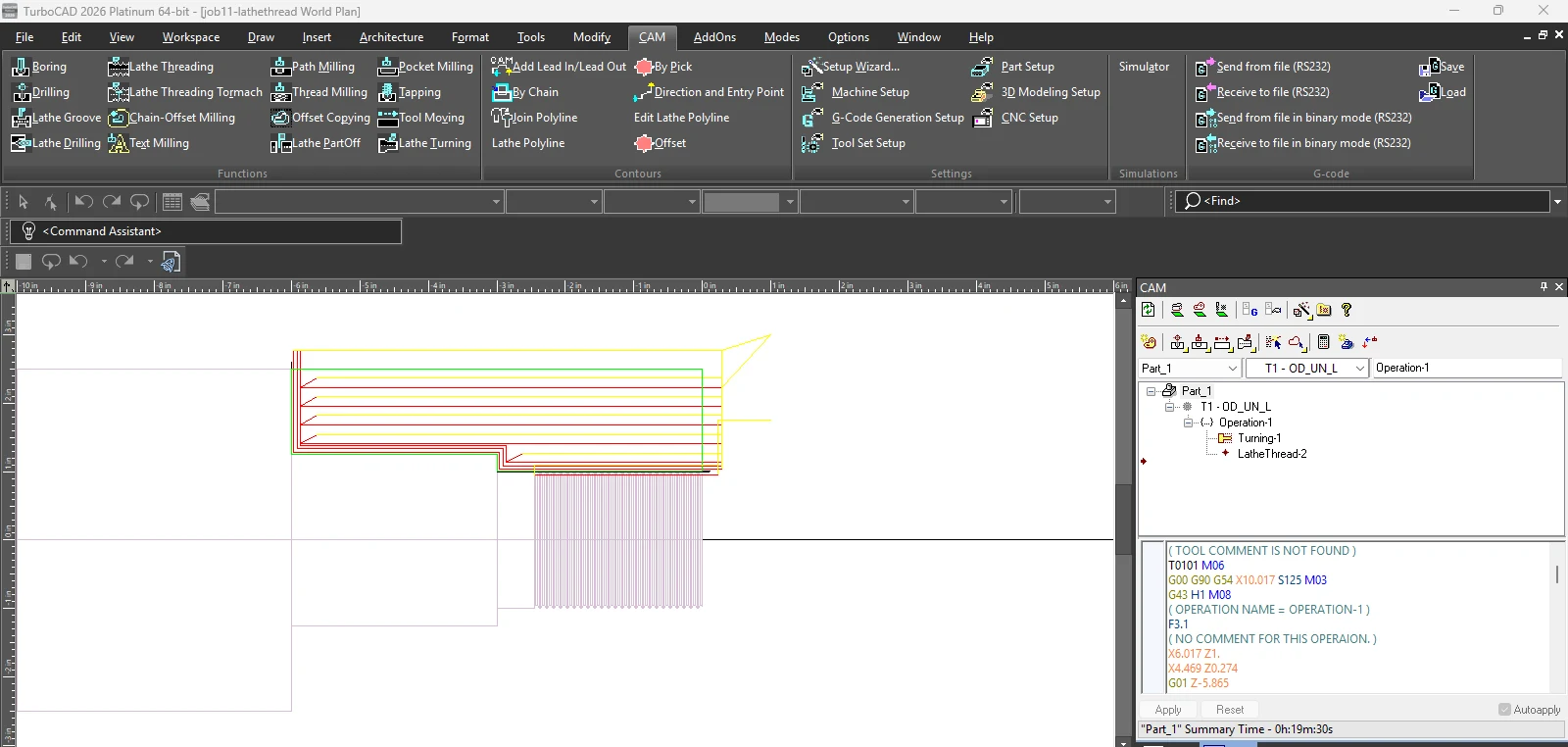
  • Lathe turning and threading
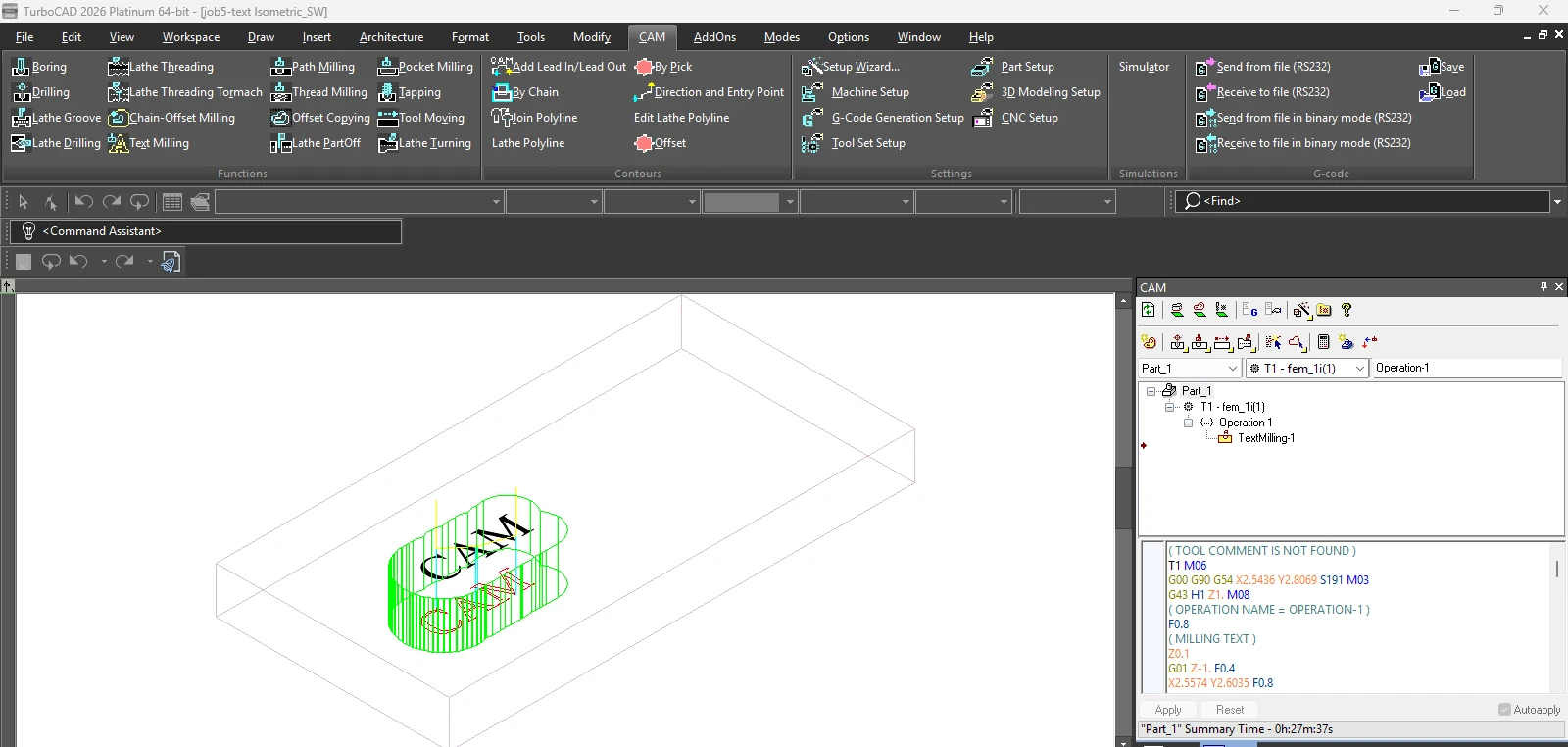
  • Text milling

Quick Start

Download the Quick Start Guide (PDF, English)

KEY FEATURES

  • Supports FADAL, FANUC, and HAAS controllers, or easily configure your own using the setup wizard.
  • CAM setup wizard provides simple setup for controllers, parts, and tools.
  • Comprehensive tool database.
  • Dynamic tool creation.
  • Easily change machining parameters, including load factor compensation for specific machines, tools, and materials.
  • Import 26 different CAD file formats, including DWG, DXF, IGES, and STL.
  • Save native G-code as text.
  • No post processors necessary. All native G-codes are automatically generated or can be manually edited within the application.
  • Automatic optimized tool paths. Changes to the tool or design automatically trigger new optimized tool paths.
  • 2D/3D simulation in real time.
  • Photorealistic part rendering.
  • Linear tool paths can be copied, allowing easy configuration of a second finishing cut to perfect the machined part output.
  • Supports tapping head and peck drilling (including G-73 and G-83 peck cycle codes).
  • Tool paths and G-codes are saved with the drawing. Projects can be saved or worked on collaboratively across machines without complete rework.
  • Feed/Speed recommendations supplied for every tool. Change the depth, feed, and speed easily at any time.
  • View and edit by tool, operation, or part; reorder operations as required.
  • DNC downloads G-codes directly to the controller.

System Requirements

Compatibility

TurboCAD® 2026 Platinum 64-bit, build 33.0.65.1 (2026.1) or later.

Note: Not compatible with TurboCAD® Professional, Deluxe or Designer, or with TurboCAD® 2025 and earlier.

Delivery

Instant download. Your licence key is sent with your order email.

Licensing

Linked to the licence of the TurboCAD® product it extends.