Description

Product Summary
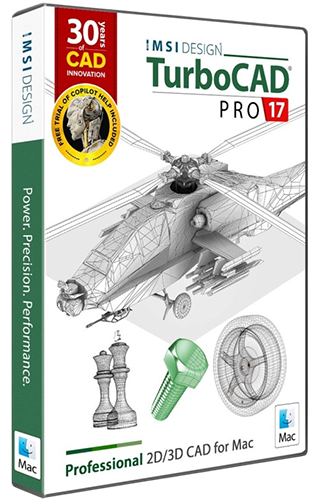
TurboCAD Mac® Pro 2026 is a comprehensive 2D/3D CAD solution that will meet the precision drafting and modeling needs of architects, builders, mechanical engineers, woodworkers, and other design professionals. Our powerful CAD software will speed up your productivity and get your design projects across the finish line.
Key Features
- AI-Powered Copilot Design Partner
- Photorealistic Rendering with Physically Based Rendering (PBR)
- Advanced Solid & Surface Modeling Tools
- Integrated 3D Printing & Manufacturing Suite
- Architectural & Woodworking Specialized Tools
- Industry-Standard File Interoperability
New Features
- Dark/Light Mode
- Copilot Render
- Copilot Part Finder
- Skin Solid with Center Line
- Pipe Cross Sections
- New Rendering Assets
System Requirements
- Operating System: macOS 11.0 (Big Sur) through macOS 26.0 (Tahoe) ¹
- Processor: Apple Mac with Intel® (x64 architecture) or Apple Silicon (ARM-based M1, M2, M3, or newer)
- RAM: 8 GB or greater
- Hard Disk Space: 4 GB of free disk space for installation
- Pointing Device: Mouse with wheel button (recommended) or 3Dconnexion SpaceMouse
- Internet Connection: Required for activation, updates, online features, and term licenses (if applicable) ²
Additional Notes
- Operating System: ¹ Program compatibility is not guaranteed for earlier operating systems (pre-macOS 11.0) or future unreleased macOS versions.
- Optimal Performance: 16 GB RAM and SSD disk for improved handling of large files.
- Internet: ² User responsible for all associated ISP fees and charges.
Key Features
AI-Powered Copilot Design Partner
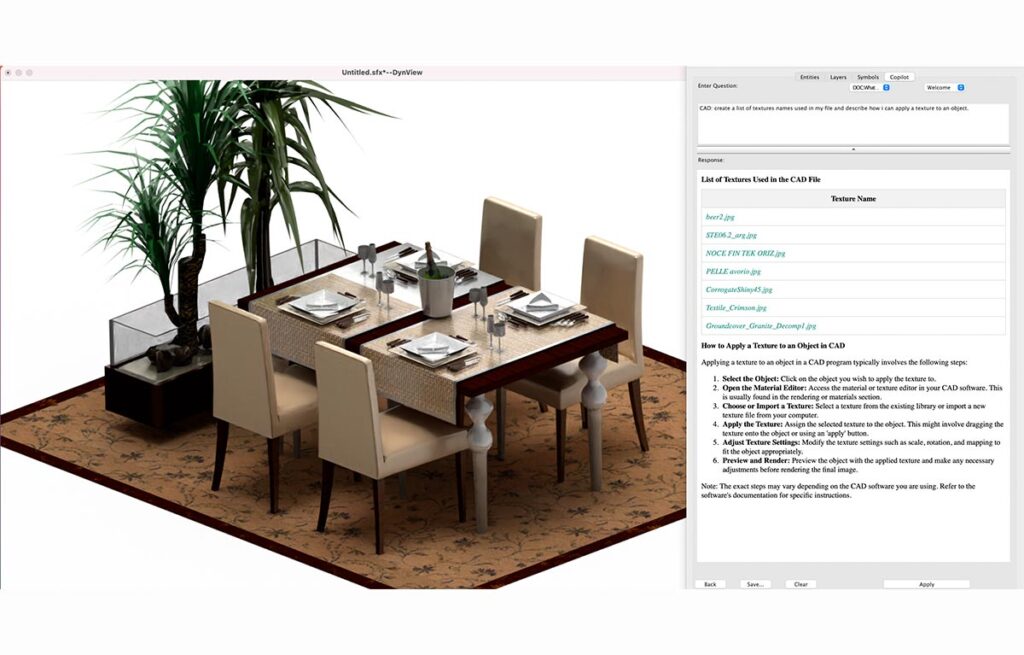
Copilot is an AI‑driven companion built into TurboCAD®, designed to make navigation easier, speed up common tasks, and provide useful guidance as you work. Copilot is available at two levels: TurboCAD® Copilot Help and TurboCAD® Copilot Professional. Copilot Help uses Retrieval‑Augmented Generation (RAG) to bring information from the TurboCAD® User Guide, FAQs, YouTube tutorials, New Features documentation, press materials, blogs, and selected User Forum categories directly into your workflow.
Photorealistic Rendering with Physically Based Rendering (PBR)
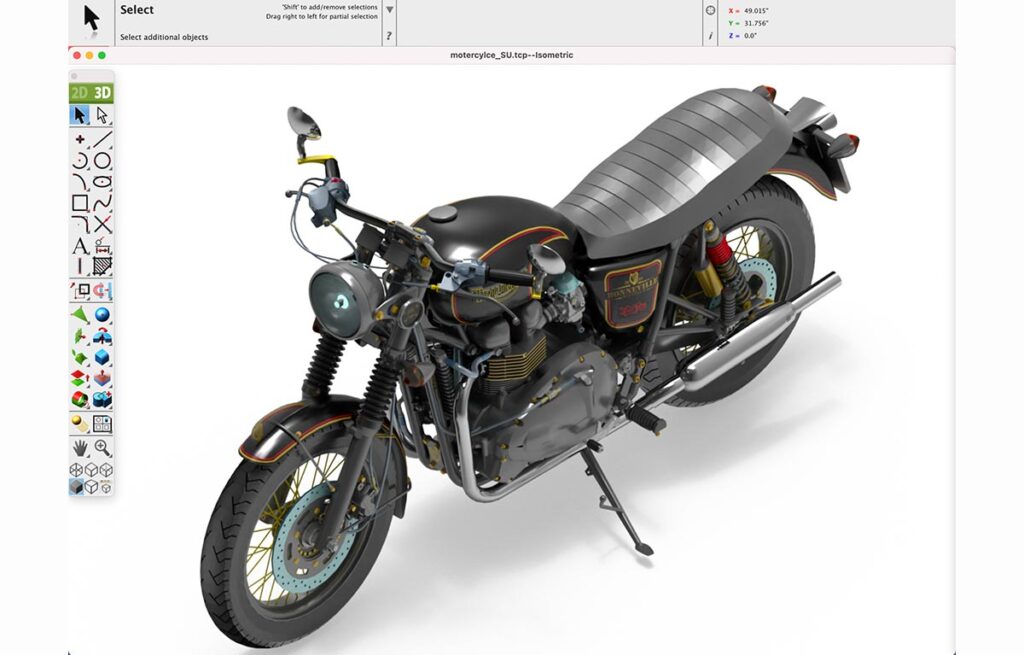
Available in Platinum and Pro variants, PBR simulates realistic light-material interactions for lifelike visuals. Features include HDRI adjustments, post-processing effects, and laser light simulation, ideal for architectural visualization and product design.
Advanced Solid & Surface Modeling Tools
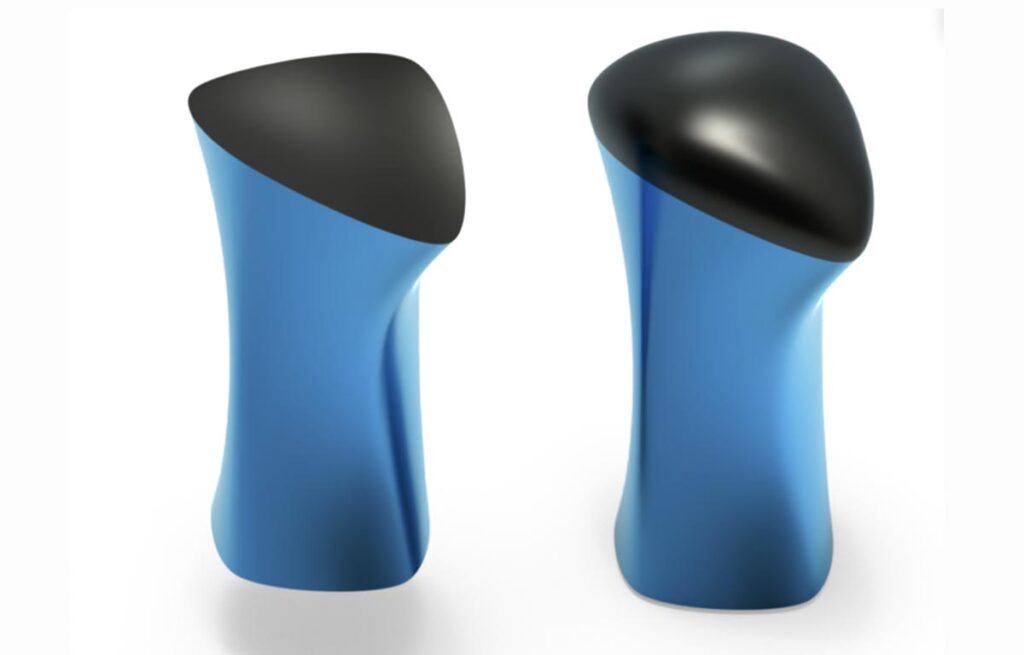
Tools like G2 curvature blending, edge treatments (flanges, grooves), and surface tools (Tangent Cover, Rebuild) provide precise control over complex geometries, supporting mechanical and organic design needs.
Integrated 3D Printing & Manufacturing Suite
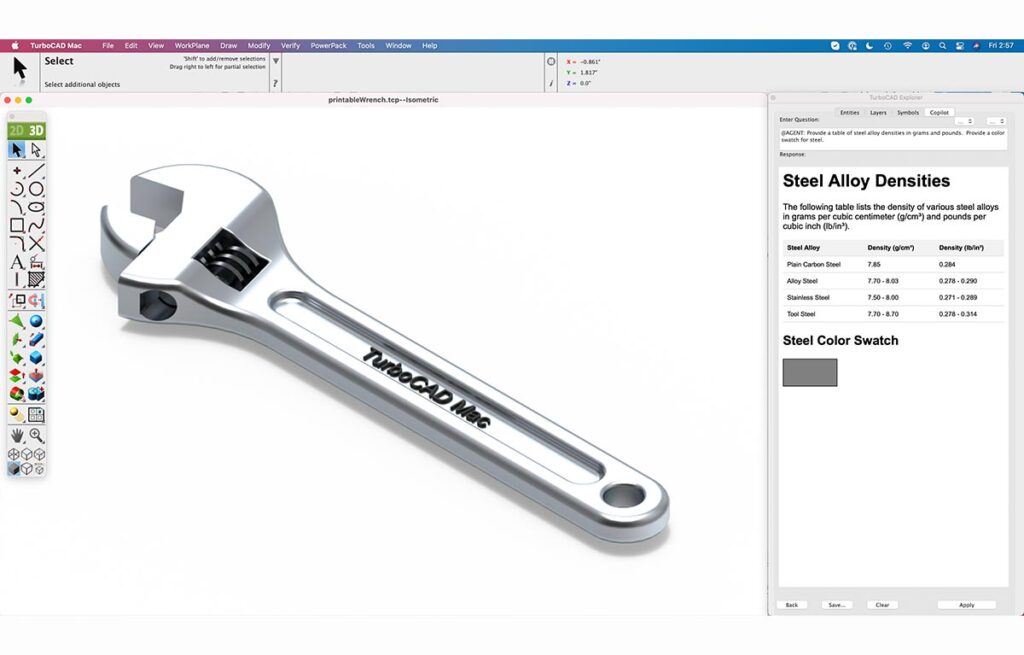
Validate designs with tools for 3D print checks, wall thickness analysis, and support structures. CNC-ready workflows and auto-positioning ensure models meet manufacturing standards.
Architectural & Woodworking Specialized Tools
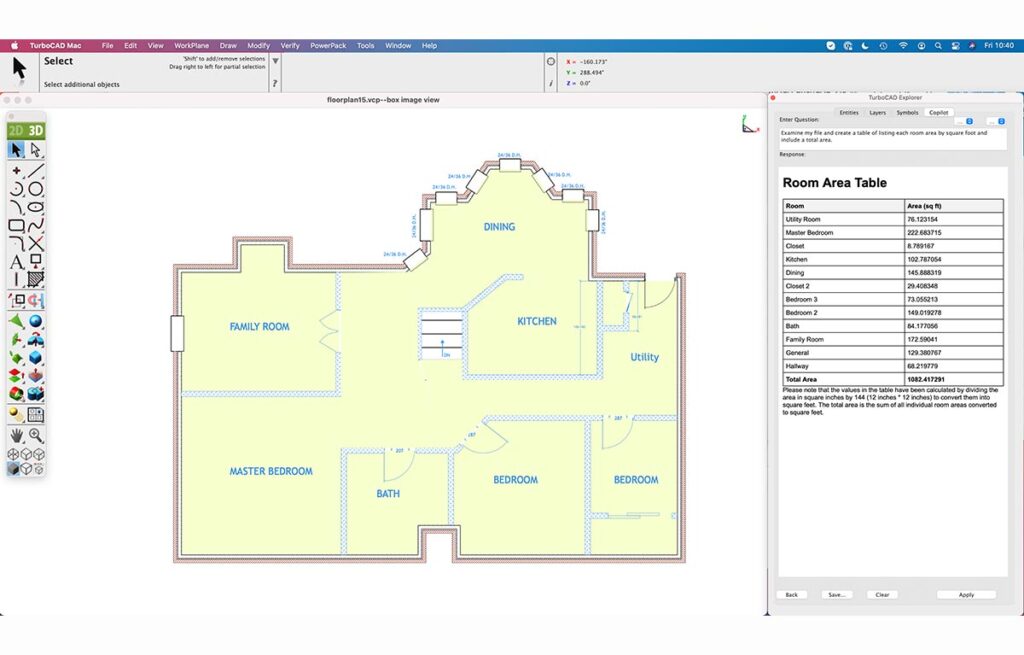
Design parametric doors/windows, composite walls, and detailed woodworking joints (dovetails, dado cuts) with customizable edge treatments for bespoke craftsmanship
Industry-Standard File Interoperability
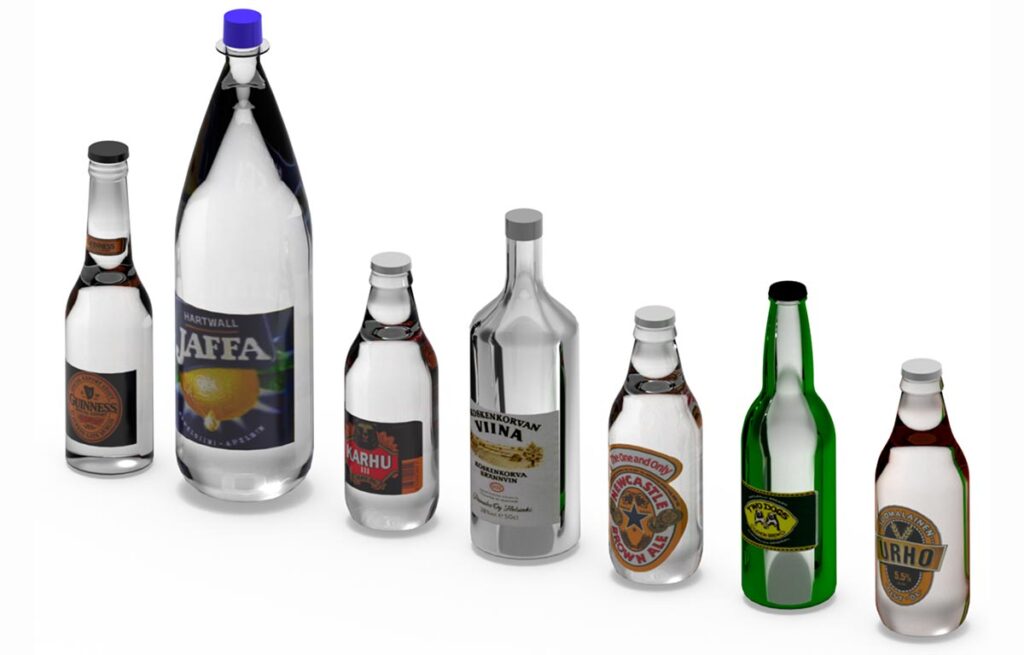
TurboCAD® Mac ensures seamless collaboration with support for 30+ file formats (e.g., DWG, STEP, SketchUp, PDF, STL). This enables effortless import/export with tools like AutoCAD®, Adobe Illustrator®, and CNC machines, streamlining cross-platform workflows for architects, engineers, and manufacturers.
New & Improved Features
Dark/Light Mode
The Dark and Light mode graphics have been updated throughout the interface, improving the appearance of dialogs, menus, and tool palettes. These updates provide clearer contrast, better readability, and a more consistent visual experience across both themes, ensuring that the interface remains comfortable to use in a wide range of lighting conditions.
Copilot Render
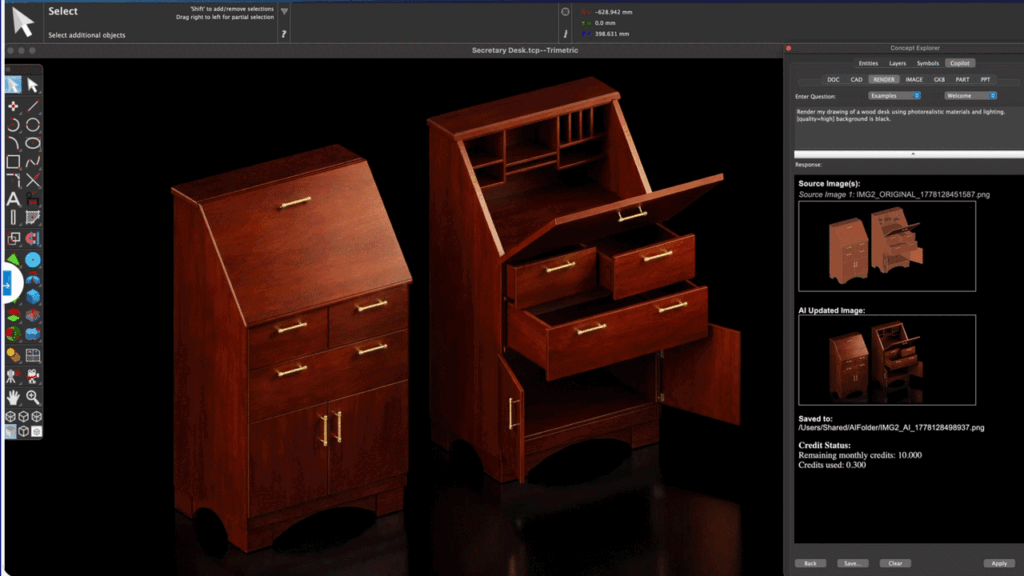
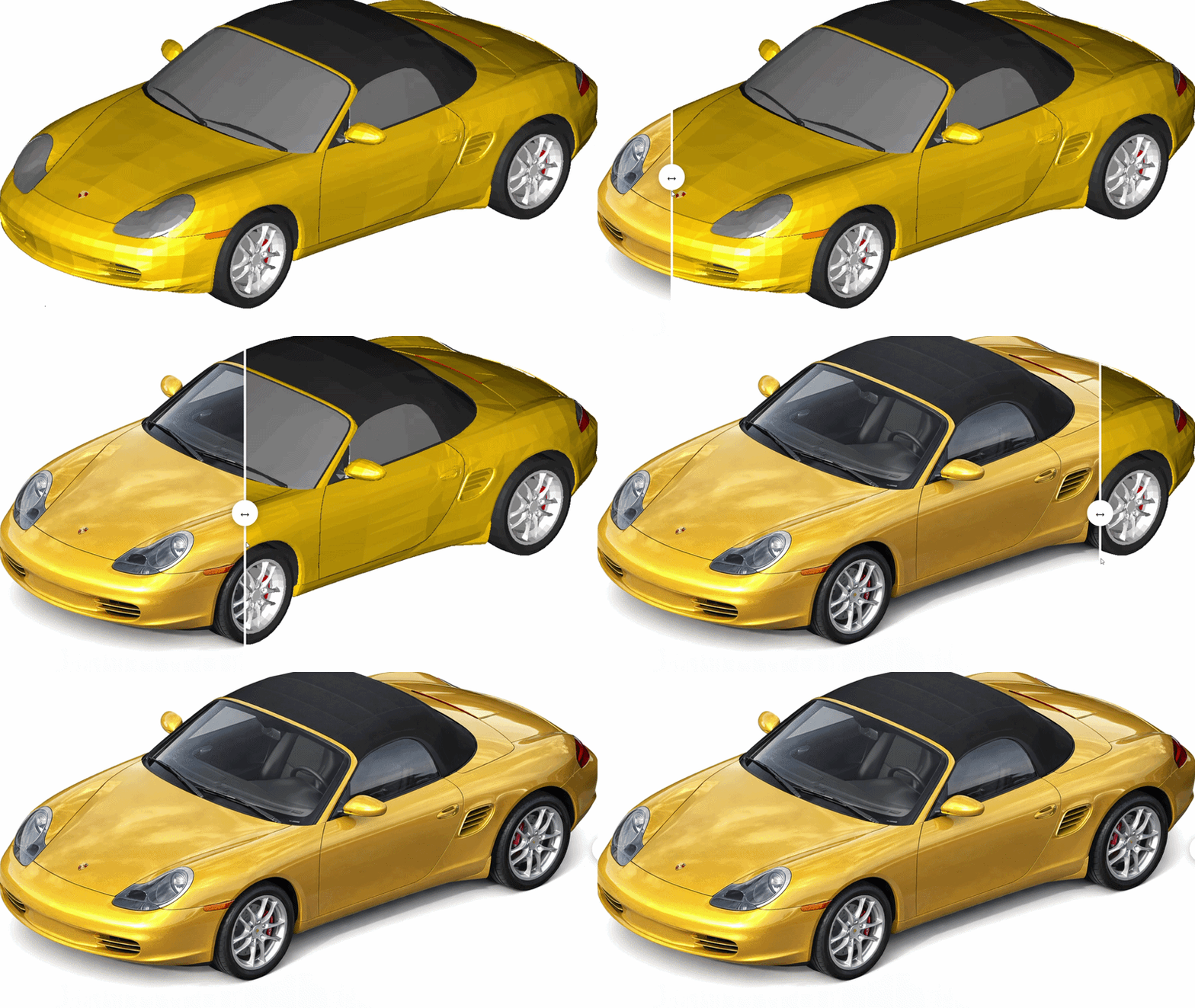
Copilot Render turns CAD drawings into expressive visual concepts using natural‑language prompts. It generates styled renderings directly on top of the existing geometry, supports multiple variations, and enables rapid exploration of materials, lighting, and design alternatives. It also allows adding, removing, or modifying shapes, works with 2D and 3D files, and can use reference images for materials and style—making it ideal for early‑stage visualization, reviews, and presentation‑ready concepts.
Copilot Part Finder
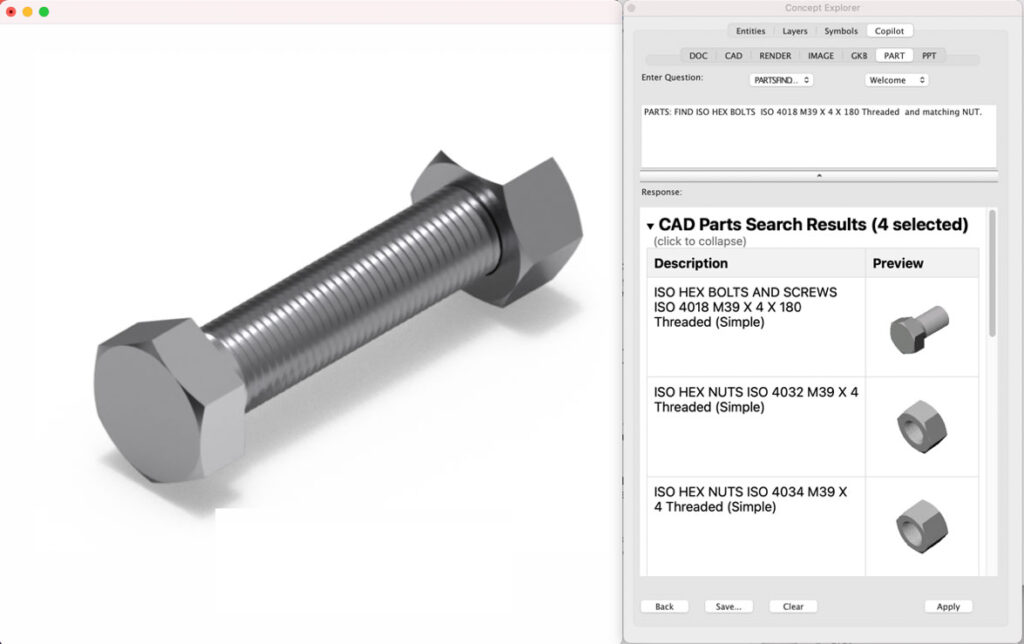
Copilot’s Part Finder is an intelligent CAD‑parts search tool that helps engineers quickly locate and reuse components from a 770,000‑part library covering major standards such as ANSI, ISO, and DIN. It supports natural‑language search and automatically selects the best mode: Search Parts for precise component queries, Company Catalog for browsing part families, List Companies for viewing all supported standards and suppliers, and Help for guidance on effective part descriptions.
Skin Solid with Center Line
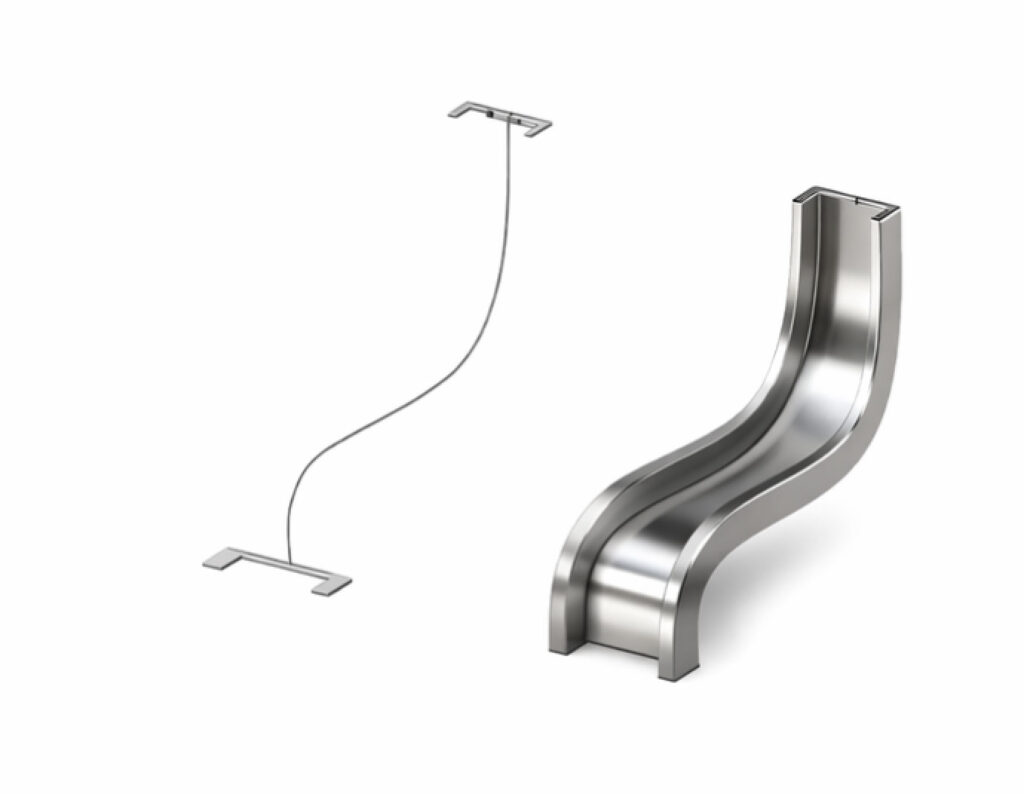
A Skin Solid with Center Line creates a 3D solid by sweeping a sequence of closed 2D profiles along a center‑line path. The profiles must be selected in the order in which they form the solid (use Shift‑Select to pick them sequentially). If a profile consists of multiple curves, the curves must be grouped before use. This tool is ideal for creating smooth, blended shapes—such as pipes, rails, housings, or mechanical transitions—where the geometry changes along a defined path.
Pipe Cross Sections
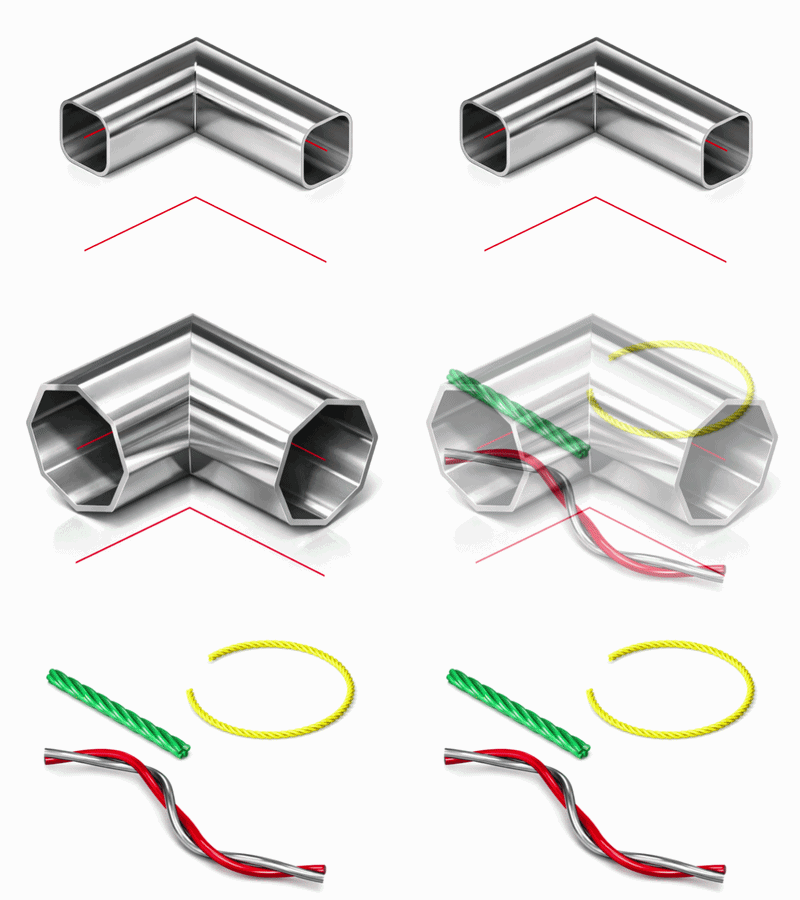
The Pipe tool has been extended to support three additional cross‑section types: Rounded Rectangle, N‑Sided, and Coils. Each pipe is generated along a selected curve path, and the resulting solid remains linked to the path—so any edits to the path automatically regenerate the pipe
New Rendering Assets
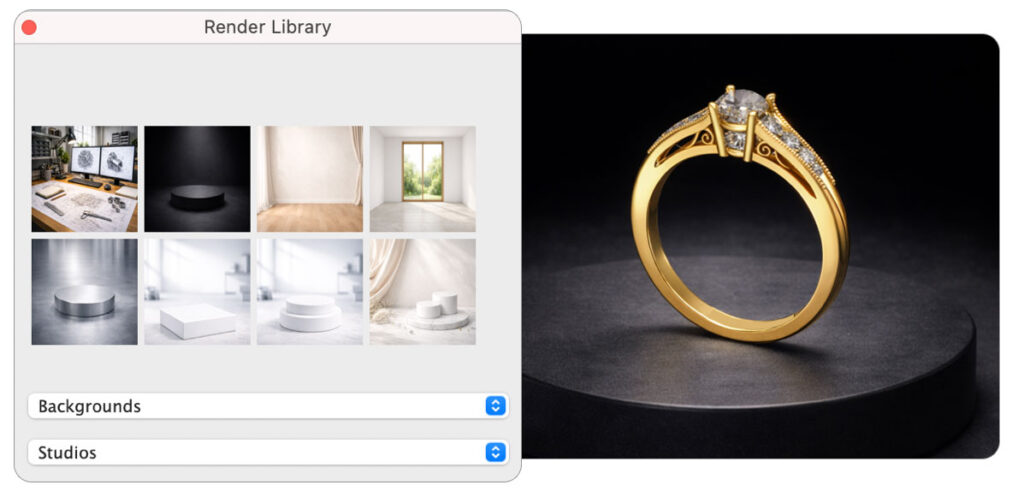
TurboCAD introduces a set of new rendering assets that bring greater range and refinement to visual workflows. The updated Studio Backgrounds add six ready‑made environments available in both the Render Library and Render Settings, offering clean studio setups for product shots and lighting exploration. The expanded Carbon Fiber Textures collection includes six distinctive composite patterns—from Twill Weave to Forged—giving mechanical and product designs a broader palette of realistic finishes. Completing the set, eight new Wood Materials provide richer natural surfaces for architectural scenes and presentation‑ready imagery. Together, these additions offer a more versatile foundation for high‑quality rendering.
License Options
Perpetual licenses enable users to download once and own it forever. Ideally suited for users who need a single license or users who feel they may not need to upgrade each year.
We also offer Annual and Tri-annual licensing options.