Description

Product Summary
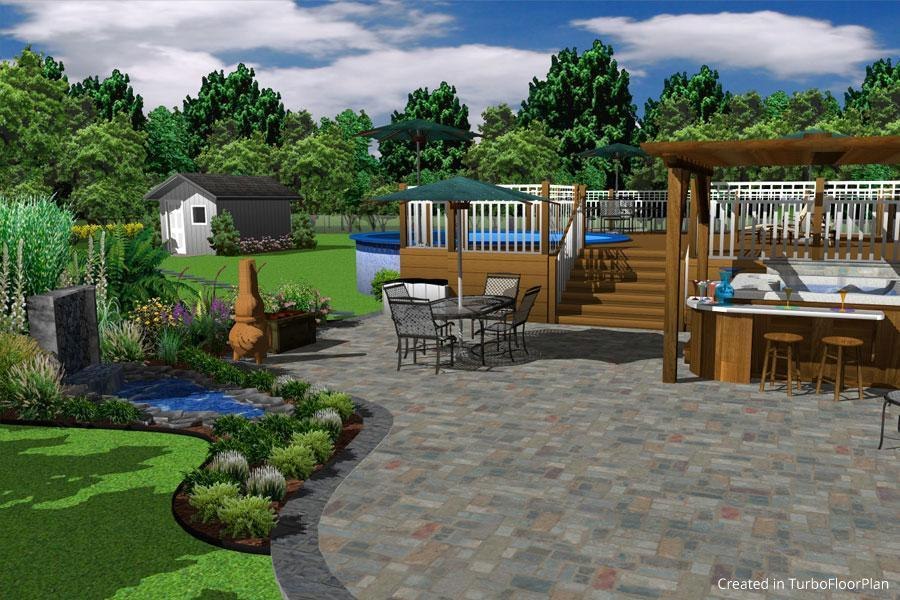
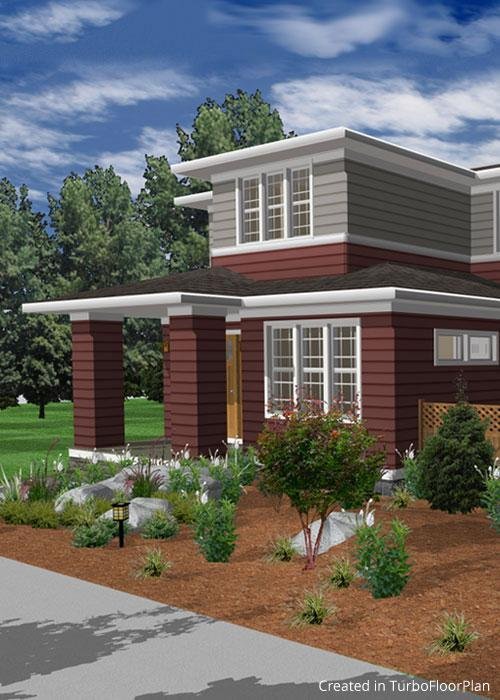
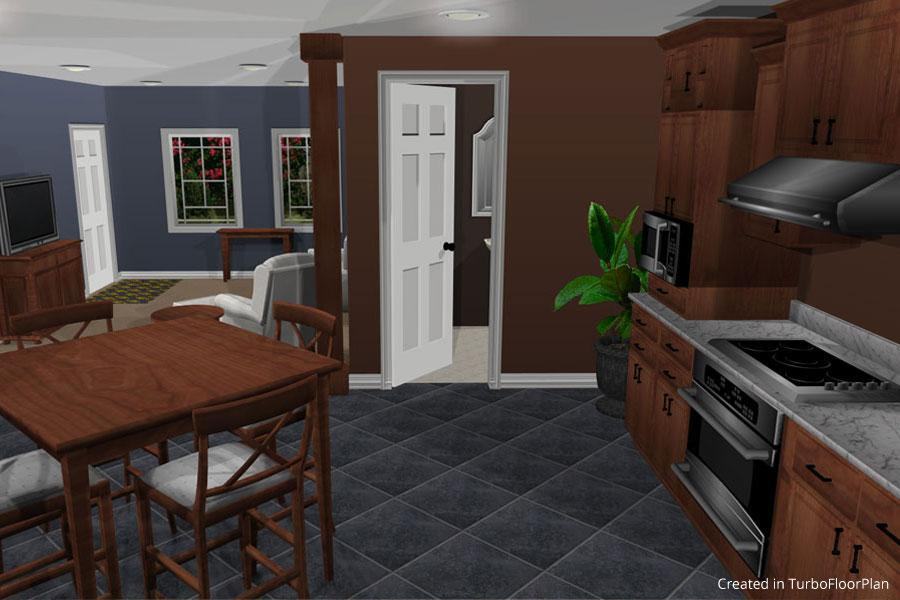
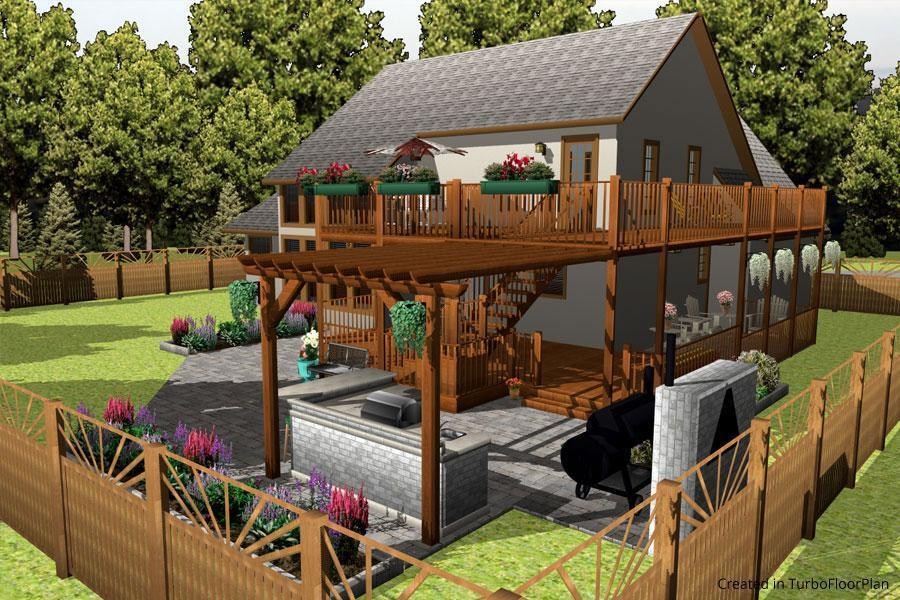
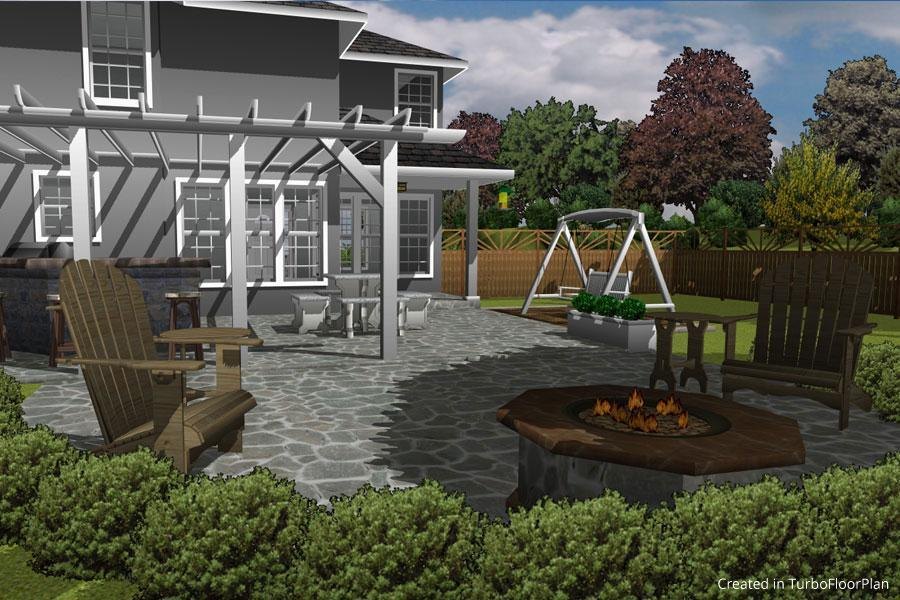
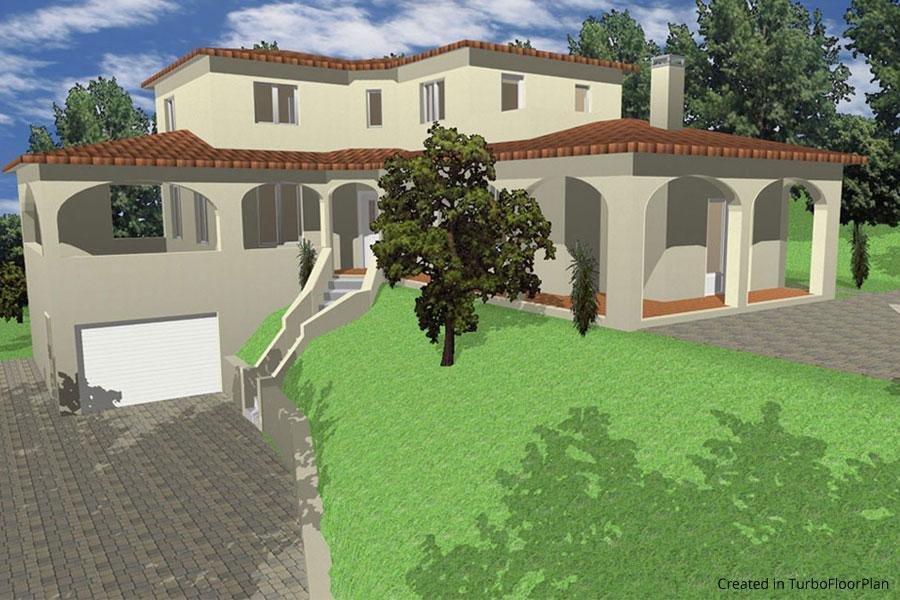
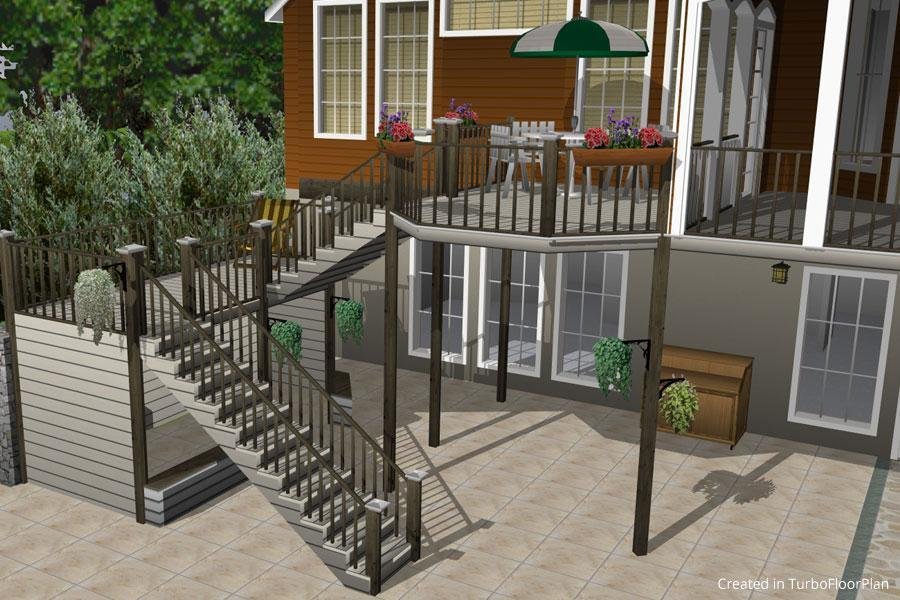
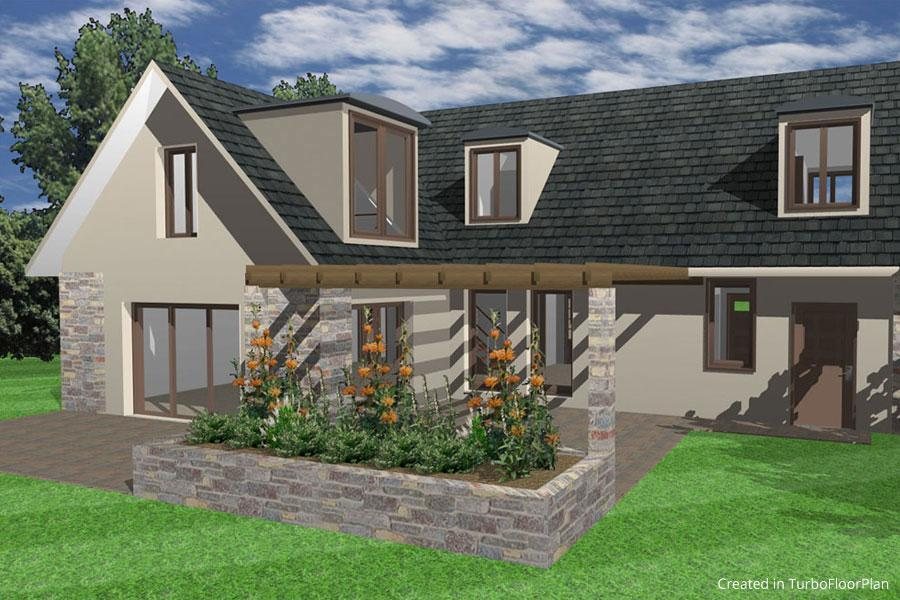
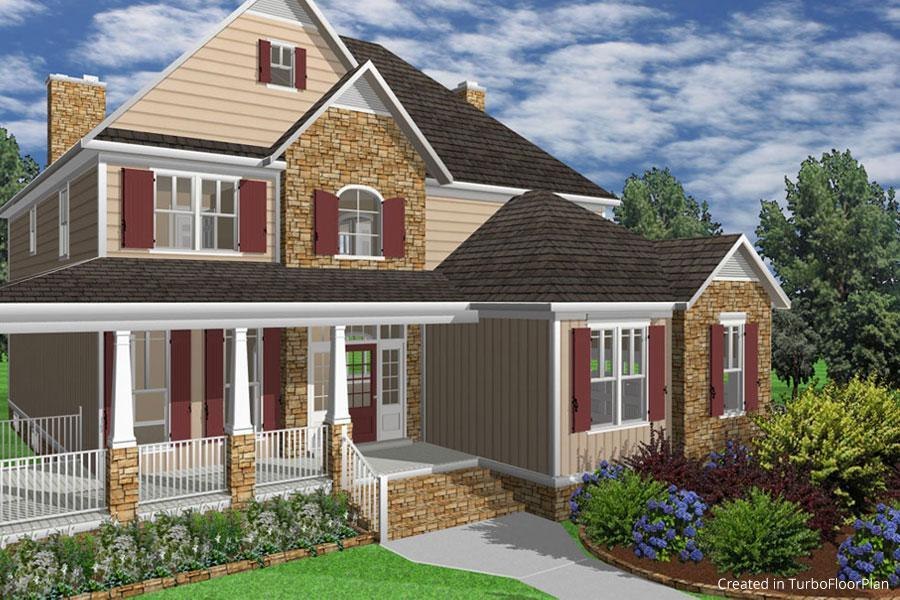
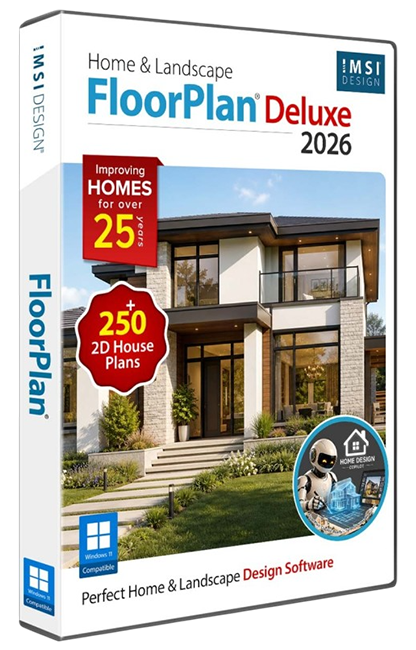
FloorPlan® Home & Landscape Pro 2026 is a powerful, professional home and landscape design solution for Windows Desktops. With no experience required, simply drag and drop to plan every phase of your dream home and outdoor living space including cost estimation tools.
Key Features
- Enhanced Realism
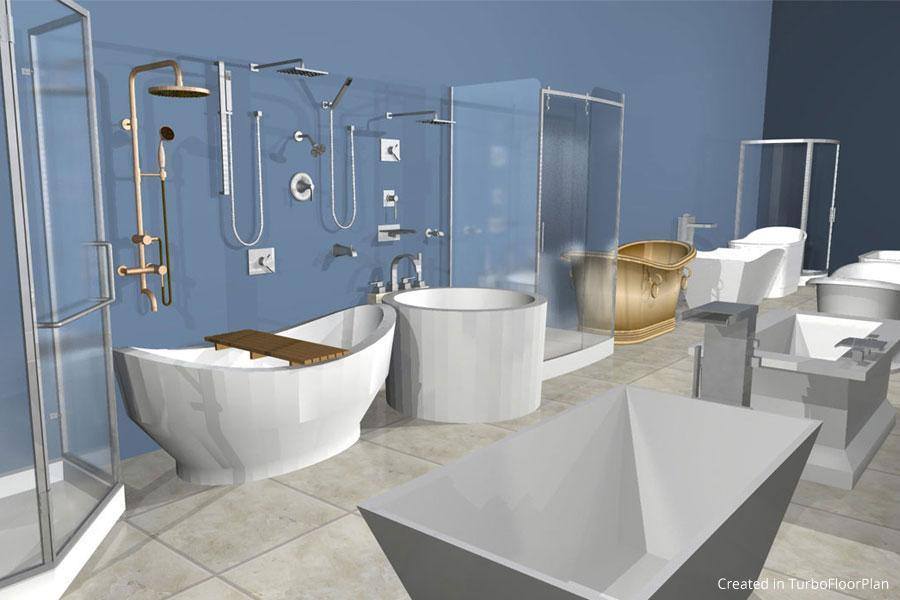
- Extensive Object Library
- Eco-Friendly Design
- Simple Drag and Drop
- SmartWand™ Technology
- Design Phase Tabs
New Features
- Theme Customization
- Copilot Render
- Reference-Based Rendering
- Create Plants and Textures
- General Questions in Home Design Copilot
- SketchUp Import Enhancements
System Requirements
- Operating System: Windows® 7, 8, 10, or 11 (64-bit only) ¹
- Processor: Intel® Pentium IV or AMD Athlon64™ class 64-bit processor (1.0 GHz or higher)
- RAM:4 GB
- Hard Disk Space:4 GB of free disk space
- Pointing Device:Mouse with wheel button (recommended)
- Graphics:VGA-compatible video card (1024×768 resolution, 32-bit color support)
- DVD-ROM Drive:Required for installations from physical media
- Internet Connection:Required for activation, updates, online features, and subscription-based features (if applicable) ²
- Operating System:¹ Administrator privileges required for installation on Windows® 7, 8, 10, or 11. Compatibility not guaranteed for earlier OS versions or future unreleased Windows versions.
- Optimal Performance:8 GB RAM, SSD storage, and dedicated GPU (4 GB VRAM or higher) recommended for 3D rendering and large projects.
- Internet:² User responsible for all associated ISP fees and charges.
Key Features
Instant 2D/3D Views
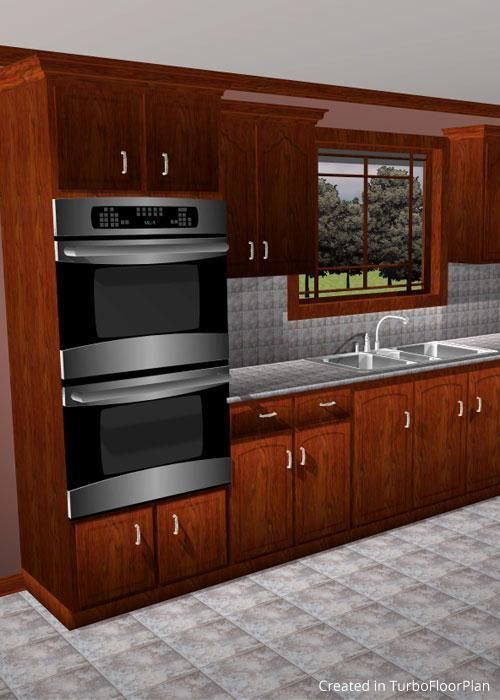
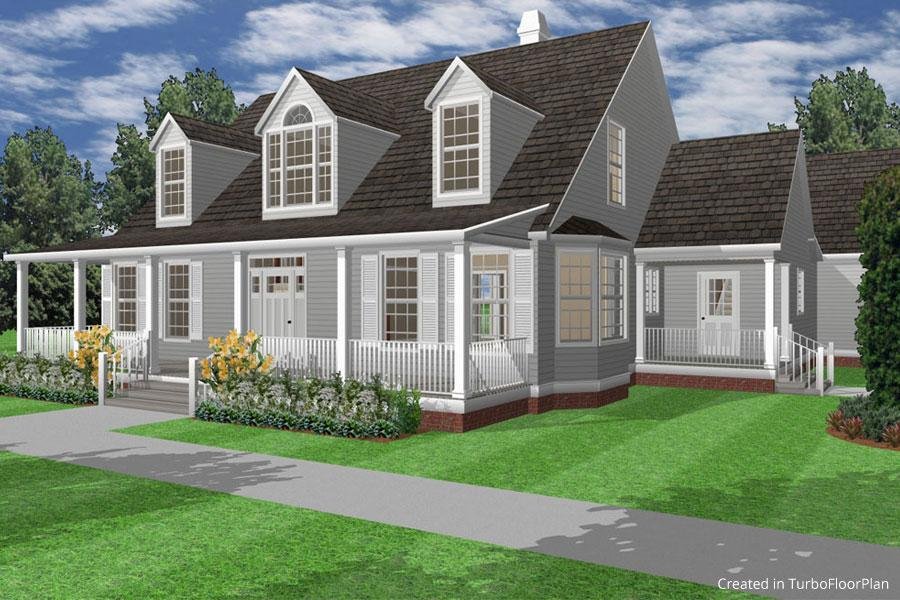
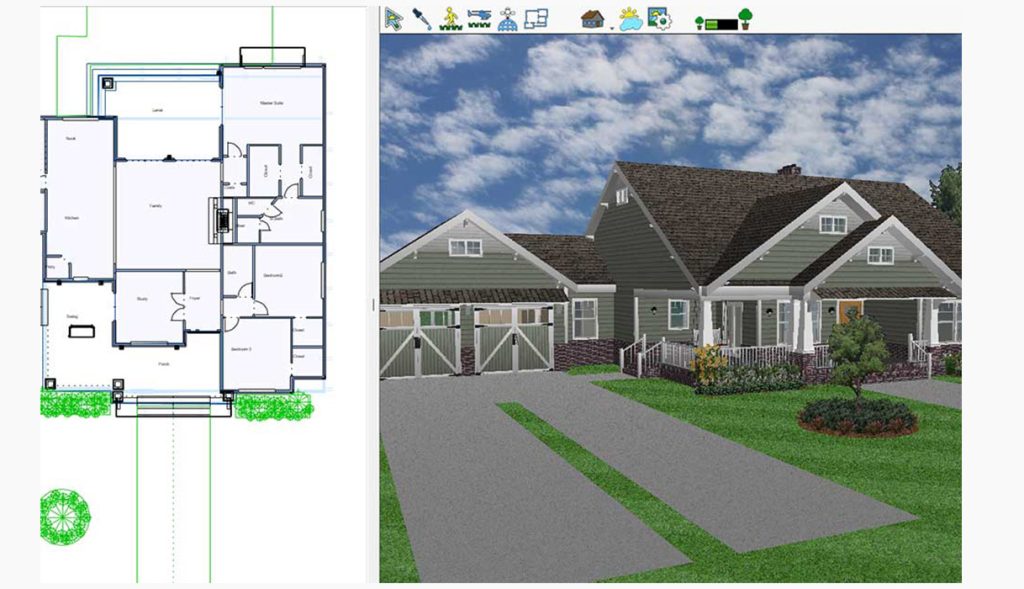
Instantly switch between 2D and 3D views to bring your floor plans to life. This capability allows for a quick assessment of both the spatial and aesthetic qualities of a design.
Extensive Object Library
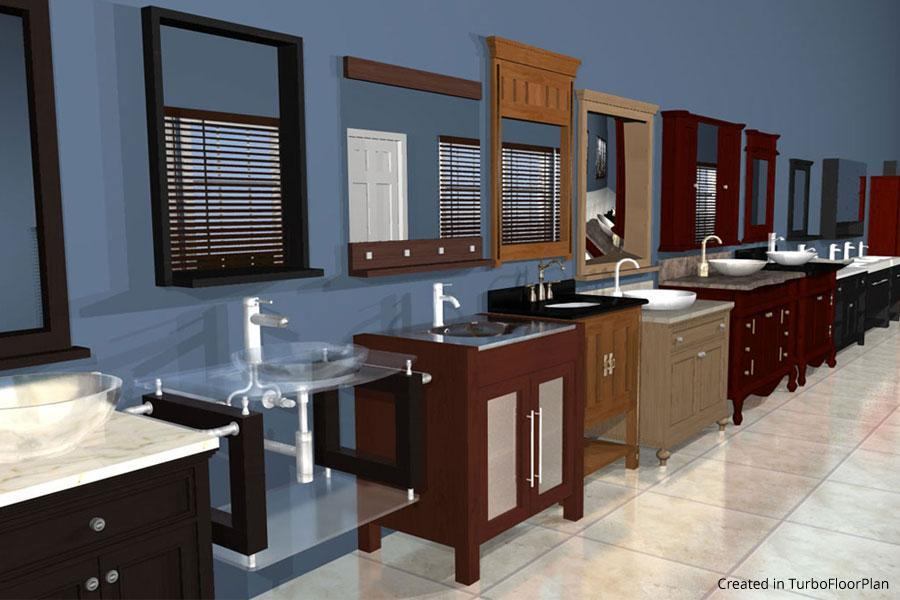
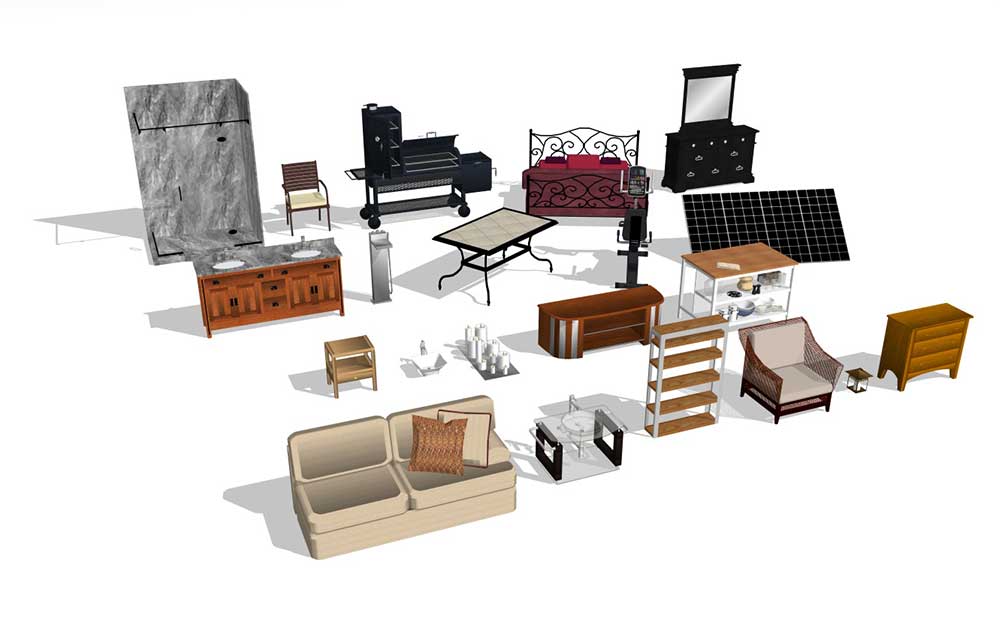
Access a vast selection of 2D and 3D objects to enhance your space. The drag-and-drop interface simplifies the placement of furniture and decor, offering endless design possibilities.
Simple Drag and Drop Tools
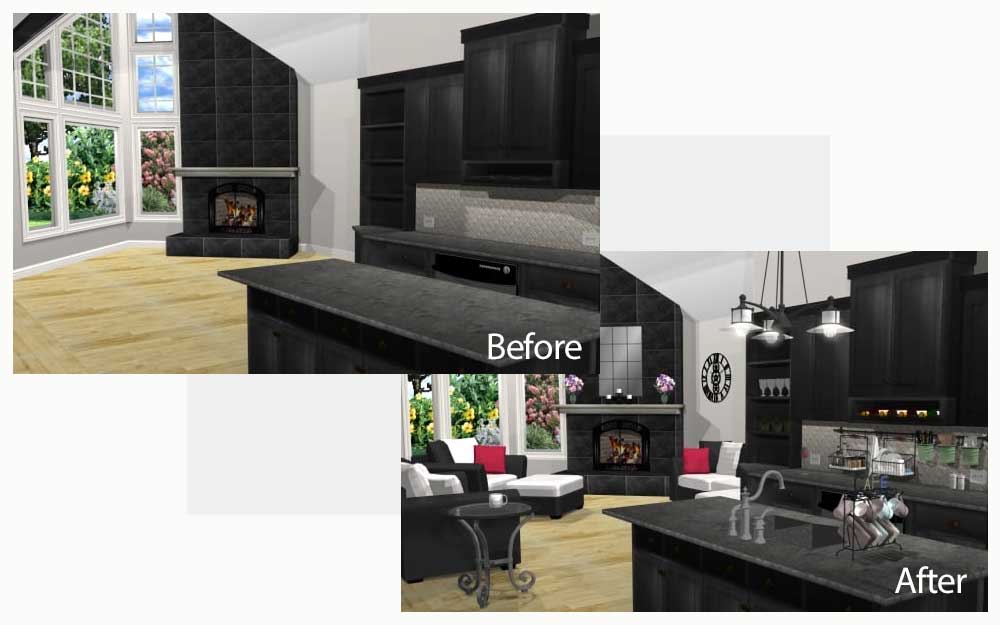
Effortlessly add rooms, paint colors, furnishings, and landscape plantings. The intuitive drag-and-drop functionality makes it easy to customize every aspect of your home design.
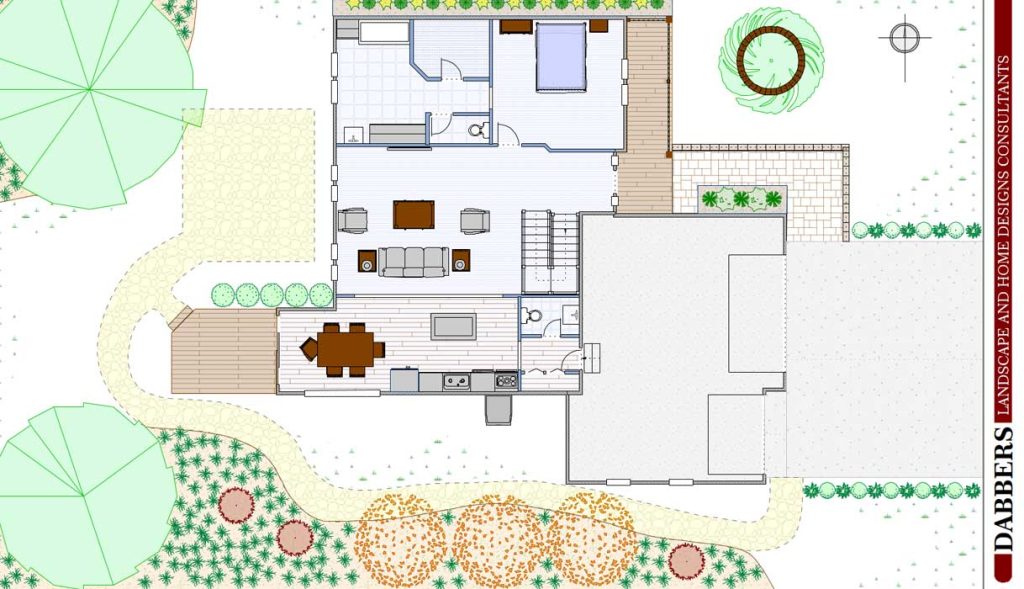
Sheet Layout Mode
Incorporate green design elements with ease. Use eco-friendly materials like recycled glass countertops and bamboo flooring to boost energy efficiency and sustainability.
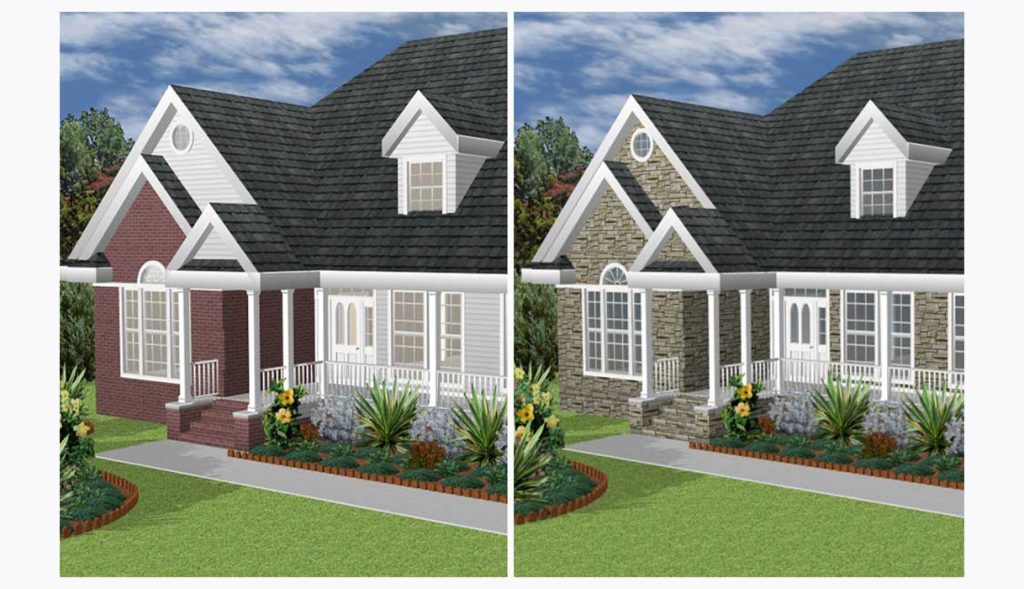
SmartWand™ Technology
Apply paint or materials to specific areas with one click. This feature streamlines the customization of your home’s appearance, making it quick and easy to achieve the desired look.
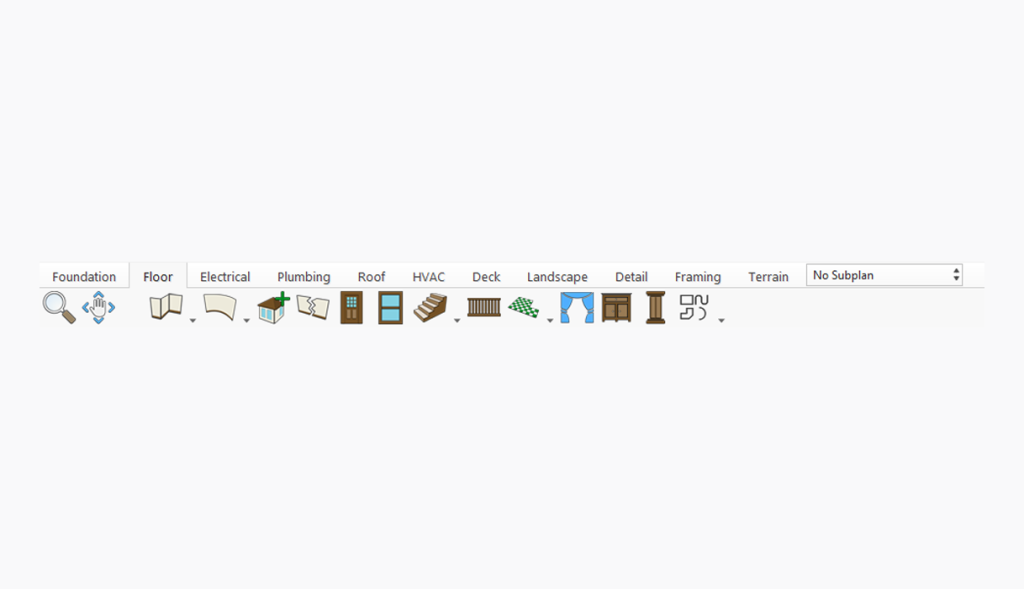
Design Phase Tabs
Organize your project into phases such as foundation, floor, electrical, plumbing, and roof. This ensures all design steps are clearly defined and manageable.
New & Improved Features
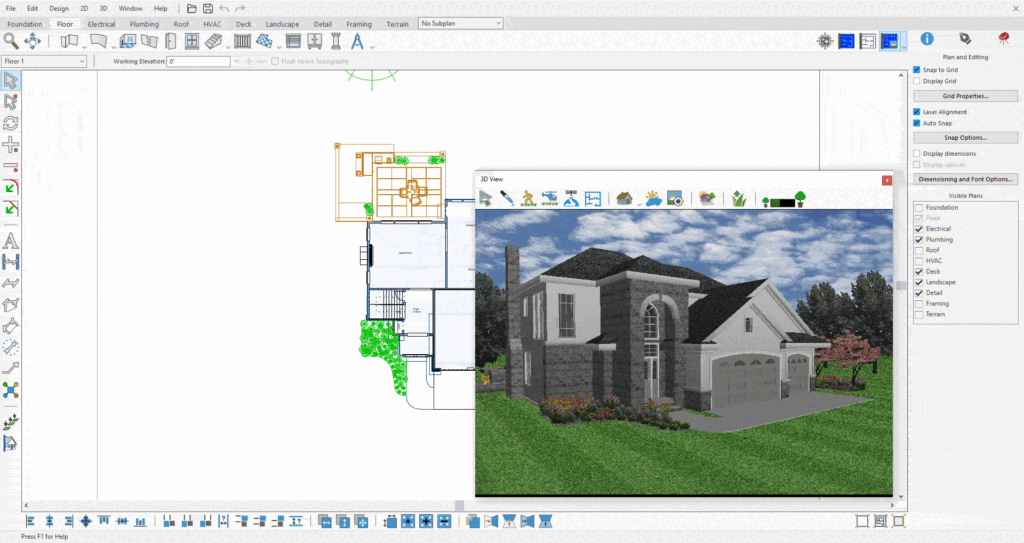
Theme Customization
The Light and Dark themes give you a simple way to tailor the interface to your workspace. Choose a bright, high‑clarity Light theme or a Dark theme designed for comfortable use during long sessions. The application can also follow your system appearance automatically, keeping the experience consistent across your device.
SketchUp Import Enhancements
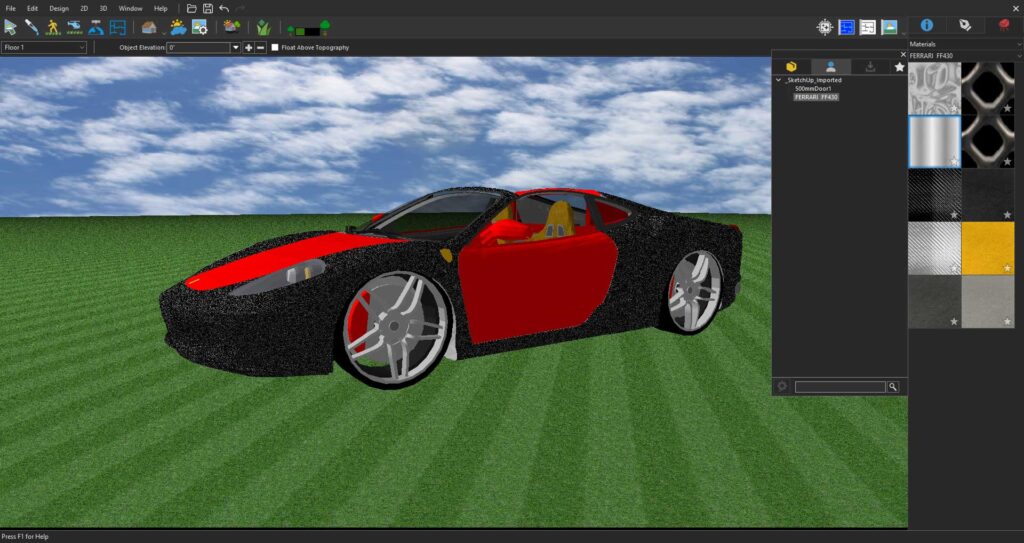
The improved SketchUp Import workflow simplifies bringing SketchUp models into your project while giving you more control over how imported content is managed. During import, you can customize the object name, adjust the import scale, and decide whether to import the model as one object or split it into its top-level groups and components for easier editing. Imported SketchUp assets are automatically organized into a dedicated library, making them easy to locate and reuse. A progress indicator also provides real-time feedback during large imports, ensuring a smoother and more transparent import experience.
Reference-Based Rendering
Home Design Copilot required
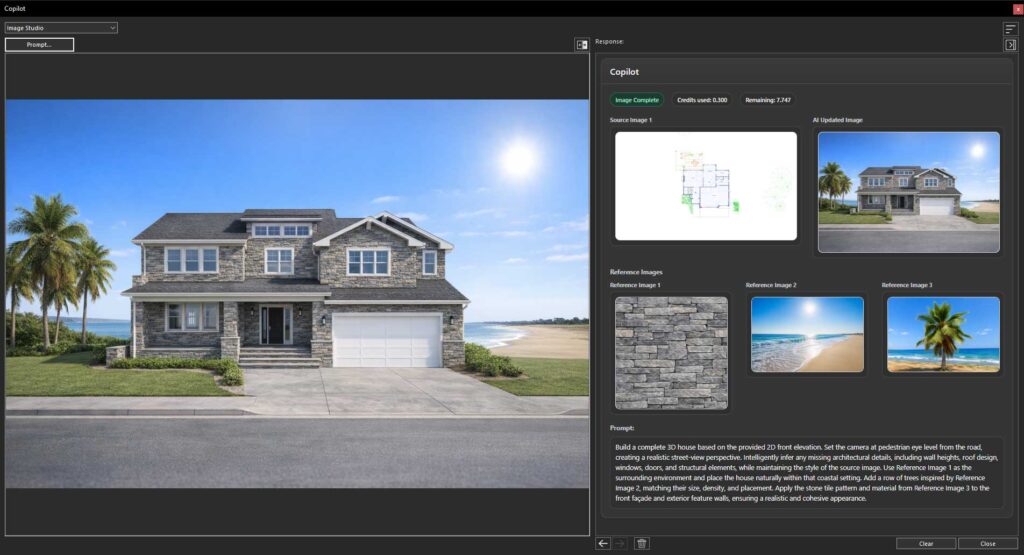
Reference‑Based Rendering lets you guide the image with clarity and intent. Add a few visual cues to define the mood, materials, lighting, and overall character you want, and Copilot shapes the result around your direction. It preserves the structure of your design while capturing the finer details that matter, giving you a refined, accurate image that reflects your vision with confidence.
Create Plants and Textures
Home Design Copilot required
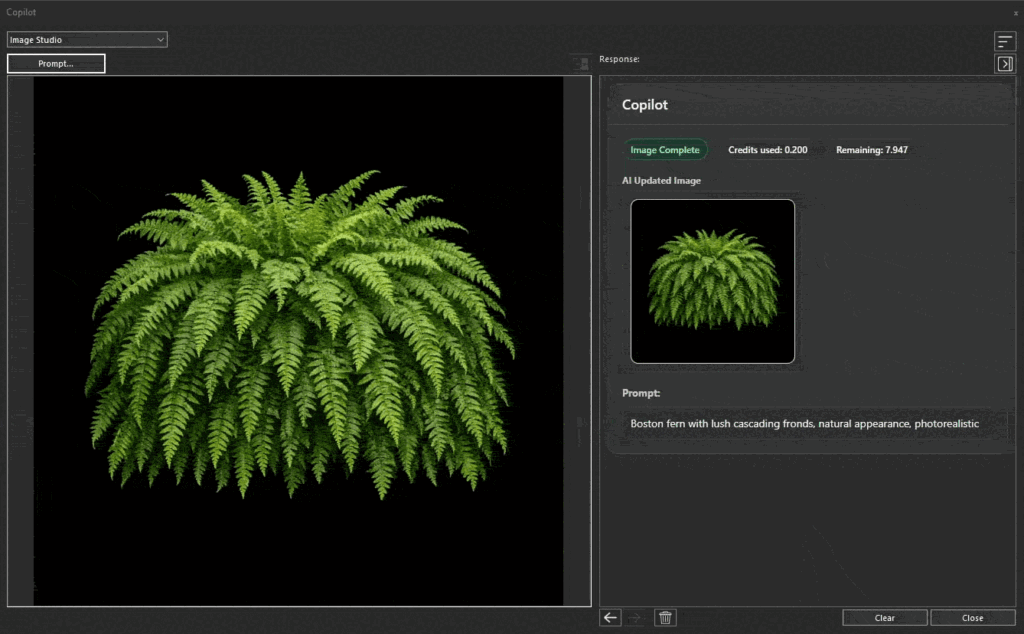
The Generate Texture and Generate Plant tools give you a simple way to create custom assets that feel tailored to your project. Describe the material or plant you need, and Copilot produces a high‑quality result ready to use in your design. From distinctive surface finishes to realistic indoor and outdoor vegetation, these tools help you craft details that match your vision without searching through external libraries or breaking your workflow.
General Questions in Home Design Copilot
Home Design Copilot required
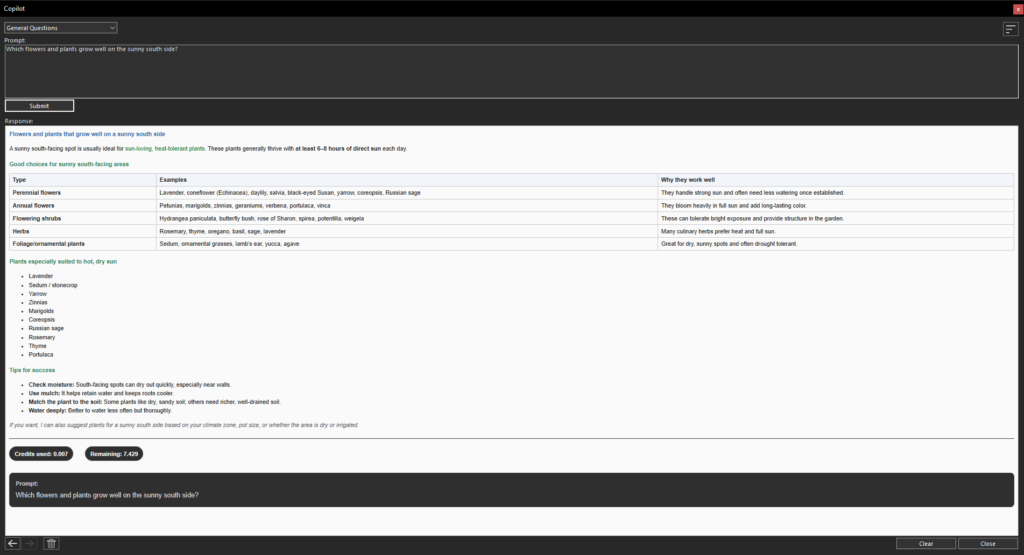
The General Questions feature serves as your intelligent design assistant within Home Design Copilot. Whether you need guidance on interior design, landscaping, architectural styles, materials, room layouts, or software features, you can ask questions in plain language and receive instant, context-aware responses. It’s a quick way to refine ideas and stay in your project without switching tools.
Copilot Render
Home Design Copilot required
Copilot Render gives you a focused space to turn early ideas into polished visuals. Start from a plan, a 3D view, a rendering, or a simple prompt, and Copilot transforms it into a clear, expressive image that brings your design to life. It enhances light, materials, landscaping, and depth while preserving the structure of your work, helping you present a refined vision long before the project is complete. Images can be reviewed, saved, and added to your User Library for use across your designs.
Permanent License
Download once and own it forever. Ideally suited for users who need a single license or users who feel they may not need to upgrade each year.