


TurboCAD 2024 Feature Comparison
Quickly see the feature differences of TurboCAD 2024 Platinum, TurboCAD Professional, TurboCAD Deluxe, and TurboCAD Designer.
| New & Improved Features (includes over 500+ bug fixes) |
Platinum
2024 |
Professional
2024 |
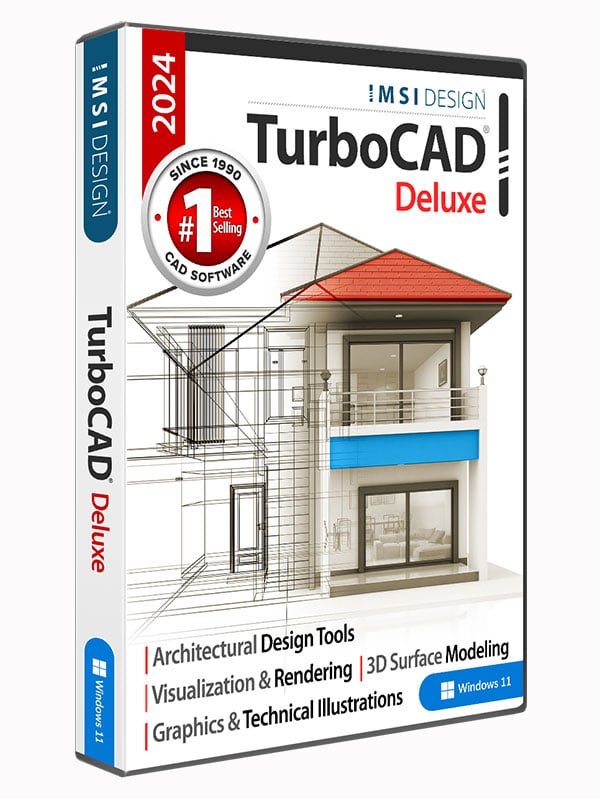
Deluxe
2024 |
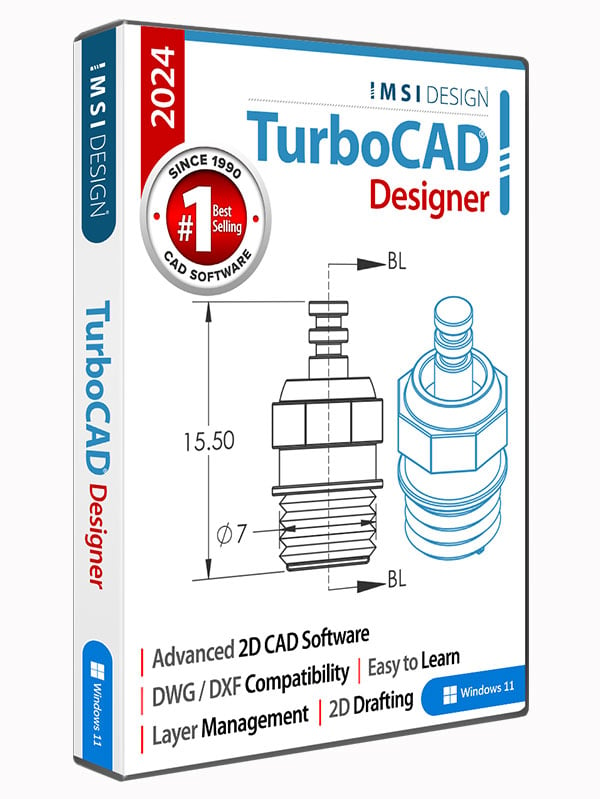
Designer
2024 |
 |
 |
 |
 |
|
| Performance, User Interface and Usability | ||||
| ‘LTE configurations have been included in TurboCAD | ✓ | ✓ | ✓ | |
| 2D Drafting and Editing | ||||
| “Points along path” Tool | ✓ | ✓ | ✓ | |
| “Basic Shapes” Tool | ✓ | ✓ | ✓ | |
| “Connector Creation” Tool | ✓ | ✓ | ✓ | |
| “Attached Text” Tool | ✓ | ✓ | ✓ | |
| ‘Selector General. New parameter section ‘Mark Size’ | ✓ | ✓ | ✓ | |
| ‘Selector 2D – New Axis Options | ✓ | ✓ | ✓ | |
| “Select by Type” tool improvement | ✓ | ✓ | ✓ | |
| “Blend Curves” tool | ✓ | ✓ | ✓ | |
| ‘Bezier Edit tool improvement | ✓ | ✓ | ✓ | |
| Render Palettes | ✓ | ✓ | ✓ | |
| ‘Curve improvement: Property “show curvatures” | ✓ | ✓ | ✓ | |
| ‘Drafting Palette – Highlight View Line associated with the “Aligned Section View” | ✓ | ✓ | ||
| 3D Design and Modeling | ||||
| ‘Graphic On Path tool – Improved (increased) calculation accuracy | ✓ | |||
| ‘Surface by set of polylines | ✓ | ✓ | ||
| ‘Helix, Curve from Law, Spline, and Bezier objects improvement. New property “Length” | ✓ | |||
| ‘ACIS® 2024 update | ✓ | |||
| ‘Hole tool – Custom hole | ✓ | |||
| Rendering and Visualization |
||||
| ‘Improved Friendliness | ✓ | ✓ | ✓ | |
| ‘New property “Sun dir by geo-location” | ✓ | ✓ | ✓ | |
| ‘Quality Render Modes | ✓ | ✓ | ✓ | |
| ‘New diagnostic warnings for TurboLux Scene | ✓ | ✓ | ✓ | |
| ‘3D Mesh support | ✓ | ✓ | ✓ | |
| ‘Using drawing geo-location data to calculate direction for Directional shader | ✓ | ✓ | ✓ | |
| ‘Edge Intersection | ✓ | ✓ | ✓ | |
| ‘Ground Shadow’ Category in Environment Library | ✓ | ✓ | ✓ | |
| ‘New environment shader ‘Ground Shadow’ | ✓ | ✓ | ✓ | |
| ”Export to VSFX format | ✓ | ✓ | ✓ | |
| ‘ODA Visualize SDK. v24.4 | ✓ | ✓ | ✓ | |
| ‘Render Manager. New command ‘Add Visualize component’ | ✓ | ✓ | ✓ | |
| ”Drawing Selector using Visualize | ✓ | ✓ | ✓ | |
| ‘Drawing selected entities using Visualize | ✓ | ✓ | ✓ | |
| ‘Drawing entities highlighted from ‘Selection Info’ using Visualize | ✓ | ✓ | ✓ | |
| ‘Show selected entities while dragging using Visualize | ✓ | ✓ | ✓ | |
| ‘Show/Hide highlighting selected entities in Wireframe mode | ✓ | ✓ | ✓ | |
| ‘New option ‘Selected Entity Style Transparency’ in ‘Selection Info’ | ✓ | ✓ | ✓ | |
| ‘Highlight Styles | ✓ | ✓ | ✓ | |
| ‘Conceptual Selector | ✓ | ✓ | ✓ | |
| ‘New section “Selector 3D Conceptual Lighting Visualize” | ✓ | ✓ | ✓ | |
| ‘New property page ‘Selector Properties Visualize | ✓ | ✓ | ✓ | |
| Interoperability/Data Sharing | ||||
| ‘ODA updated to 24.3 | ✓ | ✓ | ✓ | ✓ |
| ‘STEP Support using ODA | ✓ | ✓ | ||
| ‘Rhino 3D Filter Update to latest OpenNURBS SDK | ✓ | ✓ | ||
| ‘IFC Import Updated to 4.2 version | ✓ | ✓ | ✓ | |
| ‘SketchUp SDK Updated to SDK_WIN_x64_2023-0-397 | ✓ | ✓ | ✓ | ✓ |
| ‘SVG Import | ✓ | ✓ | ||
| ‘Improved reading of corrupted TCW files | ✓ | ✓ | ✓ | ✓ |
| ‘3dm import – Rhino block insertions | ✓ | ✓ |
Contact Details:
TurboCAD Africa
TurboCAD Africa © 2024. All rights reserved. IMSI and TurboCAD are registered trademarks and/or trademarks of IMSI Design, LLC. AutoCAD is a registered trademark of Autodesk. All other identifiable marks are the property of their respective owners.